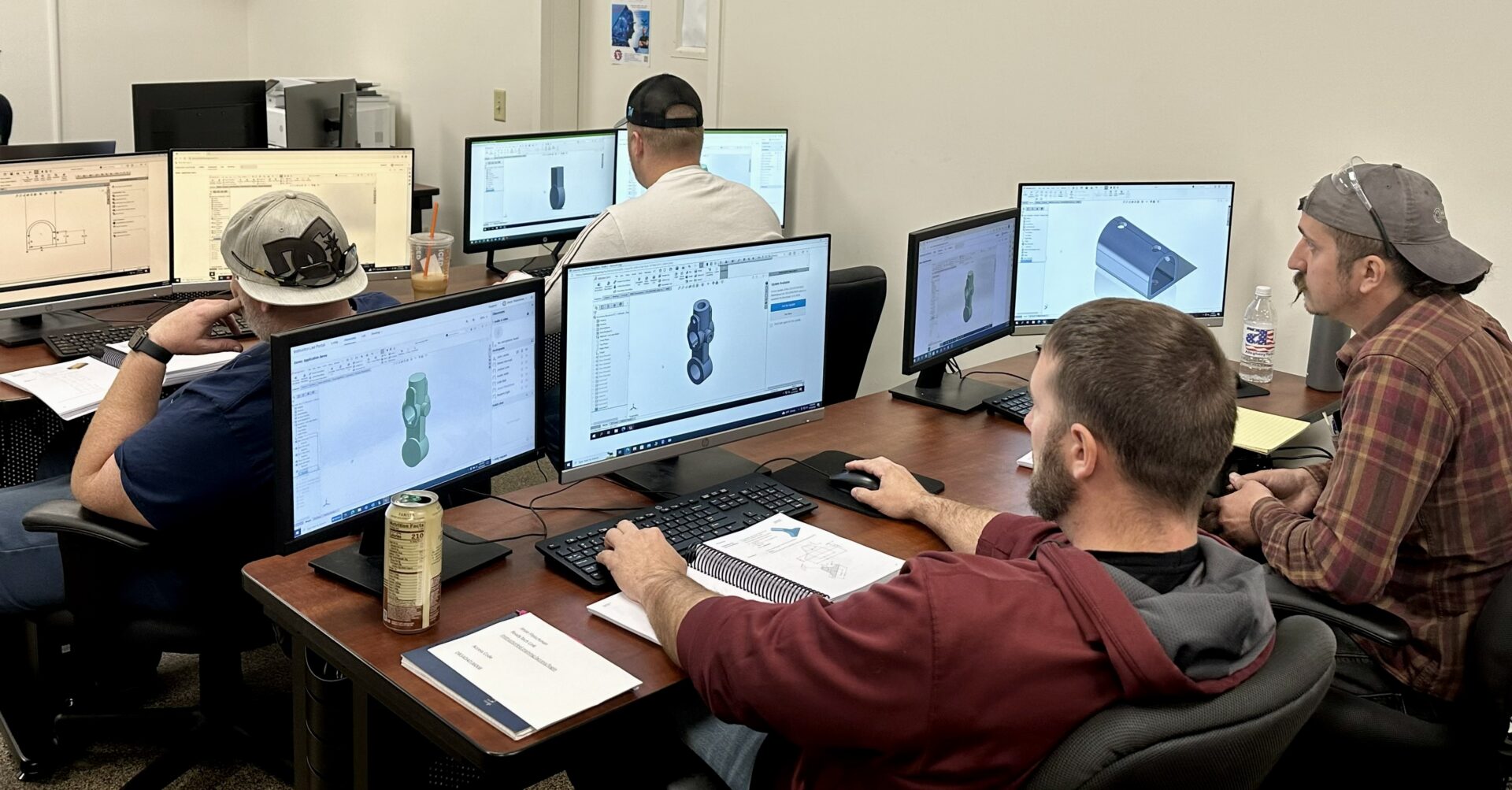
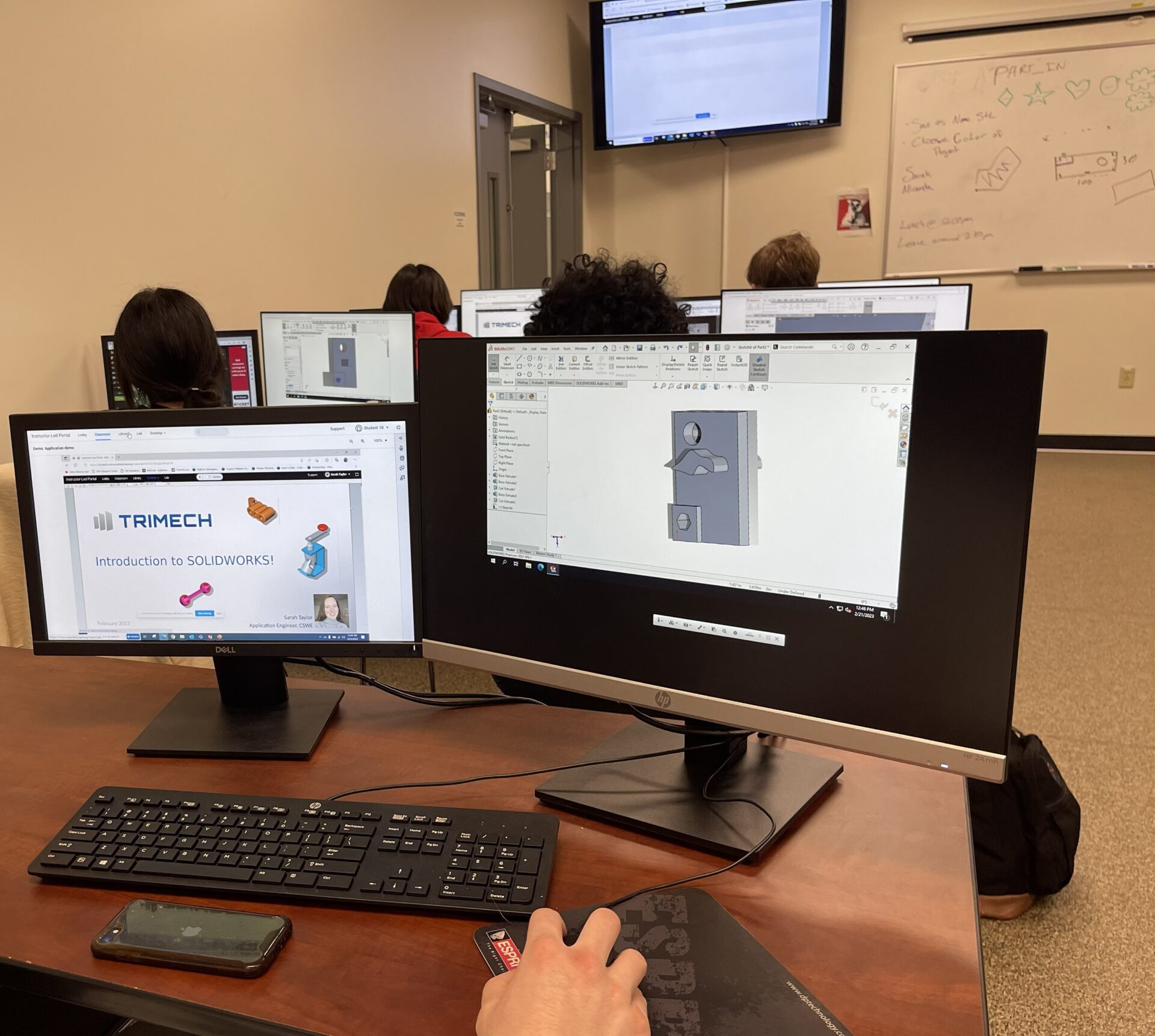
TriMech Training – A Valuable Benefit for Association Members
As part of your Manufacturers’ Association membership, you receive exclusive savings on professional training through our partner, TriMech, a leading provider of engineering, CAD, and advanced manufacturing education.
Member Training Benefits
Save up to 10% on ALL TriMech courses year-round.
TriMech offers more than 100 public and private training options, including fundamentals, advanced skills, certification preparation, and workflow-specific courses.
Training Offered Through Our TriMech Partnership
TriMech provides formal training across the entire engineering and product-development ecosystem, including:
SOLIDWORKS Core
COURSE
DESCRIPTION
DAYS / SESSIONS
SOLIDWORKSEssentials
Learn both SOLIDWORKS foundational skills and time saving tips in how to build parametric parts, assemblies, and their associative drawings.
4 Days
SOLIDWORKS Drawings
The SOLIDWORKS Drawings course focuses in-depth on creating and managing complex drawings of SOLIDWORKS models (parts and assemblies) using the ANSI standards.
3 Days
SOLIDWORKS Assembly Modeling
Building on the SOLIDWORKS Essentials Course, learn valuable time saving assembly modeling techniques and power user tips to maximize the performance of larger assemblies.
3 Days
SOLIDWORKS Advanced Part Modeling
Building on the SOLIDWORKS Essentials Course, discover the power of curves, sweeps, lofts, and multi-body part modeling.
3 Days
SOLIDWORKS Surface Modeling
Master your SOLIDWORKS Part Modeling capabilities by learning how to create and control elegant freeform shapes and repair damaged imports through surface modeling techniques.
2 Days
SOLIDWORKS Mold Design
Learn a variety of manual mold creation techniques and how to use the mold tools in SOLIDWORKS.
3 Days
SOLIDWORKS Weldments
Steel, Aluminum, Lumber? Learn how to build structural frames using standard and custom profiles.
2 Days
SOLIDWORKS Sheet Metal
Learn multiple techniques to build and develop sheet metal parts and their respective flat patterns in this unique SOLIDWORKS environment.
2 Days
SOLIDWORKS CAD Administration
For CAD Administrators and IT staff, this course discusses tools to deploy, troubleshoot, monitor and maintaining a SOLIDWORKS product group.
0.5 Day
SOLIDWORKS Essentials Refresher
Focused on tips over foundational skills, this course explores updated workflows and newer time-saving features to help long-time users rediscover things they may have missed about SOLIDWORKS over the years. NOTE: This is not a replacement for SOLIDWORKS Essentials course. It provides an update for the basics and not an in-depth introduction to SOLIDWORKS.
2 Day
SOLIDWORKS Add-In
COURSE
DESCRIPTION
DAYS / SESSIONS
SOLIDWORKS DraftSight Essentials
Learn how to use DraftSight to optimize your drawings and designs for manufacturability so you can maximize quality, avoid rework, and decrease time to market.
2 Days
SOLIDWORKS Visualize
Perfect starting point for designers, engineers, and marketing professionals eager to learn SOLIDWORKS Visualize to create professional quality photo renderings and emotional content.
2 Days
SOLIDWORKS Routing: Electrical
This course explains how to create, edit, and manage electrical routes, from the critical routing components and their design requirements to the sub-assemblies that contain the routes.
2 Days
SOLIDWORKS Routing: Pipe and Tube
This course explains how to create, edit, and manage piping and tubing routes, from the critical routing components and design requirements to the subassemblies that contain the routes.
2 Days
SOLIDWORKS PDM
COURSE
DESCRIPTION
DAYS / SESSIONS
SOLIDWORKS Manage Administrator
SOLIDWORKS Manage Administrator Training is designed to give the client an entry-level understanding of Manages core functionality. You will learn about the role of a Manage admin, backups, restore, upgrade, system options, connecting to PDM Pro, document and record objects, fields and field groups, Bills of Materials, reports and dashboards.
3 Sessions
Using SOLIDWORKS PDM Standard
Learn the fundamental skills and concepts central to the successful use of SOLIDWORKS PDM Standard.
0.5 Day
Administering SOLIDWORKS PDMStandard
The focus of this course is on the fundamental skills and concepts central to the administration of the SOLIDWORKS PDM Standard system. The intended audience for this course is anyone who will administrate users, workflows, and files with SOLIDWORKS PDM Standard.
2 Days
Using SOLIDWORKS PDM Professional
The focus of this course is on the fundamental skills and concepts central to the successful use of SOLIDWORKS PDM Standard Professional.
0.5 Day
Administering SOLIDWORKS PDM Professional
The focus of this course is on the fundamental skills and concepts central to the administration of the SOLIDWORKS PDM Professional system. The goal of this course is to help you prepare, plan, and test a SOLIDWORKS PDM Professional system prior to a full implementation at your business.
2 Days
Additional Courses
COURSE
DESCRIPTION
DAYS / SESSIONS
SOLIDWORKS Composer Essentials
Learn how to use SOLIDWORKS Composer how to create images, animations, and interactive content for use in internal and external technical and training packages.
3 Days
SOLIDWORKS MBD
Discover how to use SOLIDWORKS MBD to embed product and manufacturing information (PMI) in your SOLIDWORKS models and export rich 3D PDF files to meet design and manufacturing standards.
1 Day
SOLIDWORKS Inspection
Learn the basics of working with SOLIDWORKS Inspection software to automate the process of working with inspection documents. In this course, you will work with both the add-in and standalone versions of the product.
1 Day
Learn to understand and interpret the fundamentals of GD&T. It is based on the ASME Y14.5-2018. GD&T establishes uniform practices for stating and interpreting dimensions, tolerancing, and related requirements for use on engineering drawings and in related documents.
2 Days
The course is designed as a further in-depth course to help understand, interpret, and apply the principles of GD&T. It is based on the ASME Y14.5-2018 standard.
2 Days
CSWP Exam Preparation Workshop
The SOLIDWORKS CSWP Exam Preparation Workshop is designed for users who want to take their career to the next level by becoming a Certified SOLIDWORKS Professional in Mechanical Design.
3 Sessions
The SOLIDWORKS Large Assembly and Drawing Workshop is designed for users who find their productivity is drastically affected when working with assemblies or drawings.
4 Sessions
Simulation
COURSE
DESCRIPTION
DAYS / SESSIONS
Intro to Simulation
This course is designed to help make SOLIDWORKS users’ better designers by adopting SOLIDWORKS Simulation tools. This course provides the basics of Finite Element Analysis (FEA). No prior simulation experience is required.
0.5 Day
SOLIDWORKSSimulation Essentials
Get a comprehensive look at SOLIDWORKS Simulations’ Finite Element Analysis from establishing realistic boundary conditions to affectively evaluating results. This class leads you through mesh creation, and gap/contact control for linear stress analysis.
3 Days
SOLIDWORKS Motion
Learn how to use the SOLIDWORKS Motion to study the kinematics and dynamic behavior of your SOLIDWORKS assembly models.
2 Days
SOLIDWORKS Simulation Professional
This course is designed to make SOLIDWORKS Simulation users productive with the SOLIDWORKS Simulation Professional extension. It provides an in-depth coverage on the advanced topics in Finite Element Analysis (FEA) including heat transfer analysis, frequency analysis, fatigue, stability analysis based on the linear buckling concepts.
2 Days
SOLIDWORKS Simulation Premium: Nonlinear
Expand your Finite Element Analysis (FEA) capabilities into the nonlinear domain. This class will raise your SOLIDWORKS Simulation FEA skills to the next level! It offers hands-on experience on the use of the SOLIDWORKS Simulation Nonlinear module.
2 Days
SOLIDWORKS Simulation Premium: Dynamics
Become productive in analyzing structures subjected to various types of dynamic loading, time-dependent, harmonic analysis, and random vibration analysis. The material covered includes the time dependent analysis (force loads as well as motion shock loading examples), harmonic analysis and random vibration analysis (MILS-STD-810F example is included).
2 Days
SOLIDWORKS Flow Simulation
Designed to help you become productive faster, this introductory course offers hands-on training on the use of SOLIDWORKS Flow Simulation software. The training program provides an in-depth session on the basics of turbulent fluid flow analysis, in addition to covering meshing concerns, modeling concerns, analysis, post-processing, available options and preferences.
2 Days
SOLIDWORKS Plastics
The SOLIDWORKS Plastics course teaches you how to use specialized simulation software tools to predict how melted plastic flows during the injection molding process. The SOLIDWORKS Plastics course covers all the features and functions of both SOLIDWORKS Plastics Professional (for part designers) and SOLIDWORKS Plastics Premium (for mold designers).
2 Days
3D Experience
COURSE
DESCRIPTION
DAYS / SESSIONS
Using the 3DEXPERIENCE Platform for the Non-CAD user
Using the 3DEXPERIENCE Platform for the Non-CAD user course teaches you the basics of using the Platform through a web browser. You will learn about dashboards and navigating the platform web interface, adding and configuring non-CAD files in the 3DEXPERIENCE Platform, and how to work with SOLIDWORKS data inside the 3DEXPERIENCE Platform.
2 Sessions
3DEXPERIENCE Platform Administration
Administrators will learn how to manage users and roles, how to create and share dashboards, how to configure the cloud storage spaces in the 3DEXPERIENCE Platform, and best practices for configuring the platform to work with SOLIDWORKS.
3 Sessions
Using 3DEXPERIENCE Platform with SOLIDWORKS
Using the 3DEXPERIENCE Platform with SOLIDWORKS course teaches you the basics of using the Platform with either SOLIDWORKS Desktop or 3DEXPERIENCE SOLIDWORKS. You will learn about dashboards and navigating the platform web interface, navigating the platform from within SOLIDWORKS.
2 Sessions
Managing SOLIDWORKS Data in the 3DEXPERIENCE Platform
Managing SOLIDWORKS Data in the 3DEXPERIENCE Platform will teach you how to use the Data Management functions with SOLIDWORKS Data in the 3DEXPERIENCE Platform. You will learn about Revisioning, Assigning Tasks, Engineering Changes, and File Lifecycles.
2 Sessions
Using 3DEXPERIENCE for the Non-CAD user
You will learn about dashboards and navigating the platform web interface, adding and configuring non-CAD files in the 3DEXPERIENCE Platform, and how to work with SOLIDWORKS data inside the 3DEXPERIENCE Platform.
2 Sessions
Electrical
COURSE
DESCRIPTION
DAYS / SESSIONS
SOLIDWORKS Electrical Schematics
Learn to streamline and simplify an array of tedious design tasks, from PLC & terminal block to contact cross reference assignments with our automated design & management tools. This course is focused on 2D Schematic Design.
3 Days
Electrical 3D and Electrical Routing
This course is designed for electro-mechanical designers that are familiar with SOLIDWORKS and are new to SOLIDWORKS Electrical 3D. It sets you up for success by gaining familiarity with hybrid routing methodologies. Content consists of a selection of relevant topics from the SOLIDWORKS Electrical Routing training course, in combination with the SOLIDWORKS Electrical 3D course.
2 Days
SOLIDWORKS Electrical Advanced
Learn how to use SOLIDWORKS Electrical to optimize your drawings and designs for manufacturability so you can maximize quality, avoid rework, and decrease time to market.
2 Days
DriveWorks
COURSE
DESCRIPTION
DAYS / SESSIONS
DriveWorks Solo
This training course is intended to give a hands-on proficiency of DriveWorks Solo. Learn to create DriveWorks Solo user forms and link them to the models. Control SOLIDWORKS Drawings and create custom documents controlled by user inputs.
2 Sessions
DriveWorks Pro
The DriveWorks Pro training will provide you with the tools necessary to automate model creation and document outputs from SOLIDWORKS. You will learn how to work with Excel Functions and Formulas to generate design rules, which will in turn control these outputs. You will also learn how to generate custom input forms, that can be used by sales staff and engineers in your company to generate quotes or designs.
6 Sessions
3D Printing & Scanning
COURSE
DESCRIPTION
DAYS / SESSIONS
Advanced Insight/ GrabCAD Print
This course teaches FDM users how to understand the principles of extrusion- based printing and explores material selection, design criteria, postprocessing, and how to best use Stratasys Insight and GrabCAD Print software to increase part quality, strength, and build speeds.
2 Days
Design for Additive Manufacturing
This course focuses on a wide range of commercially available 3D printing technologies and explores key technologies to discuss how best to design parts for optimized strength and throughput.
2 Days
Advanced Full Color PolyJet
The course teaches users color theory, material selection, software settings, technology principles, and post processing that allow for the production of full color and multi-material parts using PolyJet 3D printing technology.
2 Days
Geomagic for SOLIDWORKS
Learn how to use Geomagic for SOLIDWORKS, the best solution for taking scan data into SOLIDWORKS to get high fidelity data.
2 Days
CAM
COURSE
DESCRIPTION
DAYS / SESSIONS
SOLIDWORKS for Machinists
The focus of this course is on the fundamental skills and concepts central to the successfully use of SOLIDWORKS for use with SOLIDWORKS CAM. Learn features needed to assist in programming parts within the SOLIDWORKS User Interface.
2 Days
SOLIDWORKS CAM Essentials
This course teaches how to use the SOLIDWORKS CAM Standard software to generate, modify and post process 2.5 axis milling toolpaths used for machining SOLIDWORKS part files.
2 Days
SOLIDWORKS CAM Professional
This course teaches how to use the SOLIDWORKS CAM Professional software to machine parts utilizing advanced functionality such as: CAM or SOLIDWORKS configurations, VoluMill™, mill machining in the context of an assembly, and 3 plus 2 machining. Additionally, the course teaches how to generate, modify, and post process 2 axis turning toolpaths used for the machining of SOLIDWORKS part files.
1 Day
SWOOD
COURSE
DESCRIPTION
DAYS / SESSIONS
SWOOD Design
Learn how to build a custom and intelligent library of panels, frames, connectors and intelligent SWOOD box models that will allow you to quickly create new furniture designs, complete with all the required manufacturing detail by using simple drag and drop from your library. Throughout the course we will explore the benefits of SWOOD Design reporting.
3 Days
SWOOD CAM
Learn how to apply a range of different machining operations directly onto your part in preparation for manufacture. Lessons also focus on the construction of your tool and aggregate library as well as a machining library for quick access to your most used machining operations. Once we have covered the wide range of programming operations, we take a look at the SWOOD CAM nesting capabilities (additional module) before exploring the power of SWOOD CAM simulation and reporting
2 Days
Mastercam
COURSE
DESCRIPTION
DAYS / SESSIONS
Mastercam Mill 2D
Learn how to create parts based on a series drawing, using 2D wireframe geometry, prismatic solids, and toolpaths. The course introduces you to Mastercam 2D High Speed Toolpaths including Peeling Mill and Dynamic Milling options. Build your Lathe skills with basics on contour, pocket, drilling toolpath options.
3 Days
Mastercam Mill 3D
Learn about 3D Milling strategies from 3D Rough, Finishing to 3D Highspeed Toolpaths. You will learn how to use workspace, geometry creation and toolpath creation for Mastercam 3D Mill. Learn how to set up and machine a model to completions using the surface Finish, surface Rough Toolpaths, and Surface High Speed Toolpaths.
3 Days
Mastercam Lathe
Learn about General Lathe Toolpathing and C and Y lobe Tooling Toolpaths. Users will be able to build the workflow for creating Lathe and c-axis toolpaths.
3 Days
Mastercam Mill-Turn
This authorized Mastercam training course provides an introduction to Mastercam Mill Turn. You will learn Mill Turn job setup operations, syncing toolpaths and Mill Turn machine simulation overview.
2 Days
Mastercam Multi-Axis
This course guides users through the Mastercam Multi-Axis Interface and fundamentals of Multi-Axis programming. Learn to program many parts from start to finishing and cement the fundamentals of Multi-Axis Programming. Learn about Multi-Axis Toolpath with overview of Cut Pattern, Tools Axis control and Tool tip Control.
3 Days
Mastercam Wire
This authorized Mastercam training course provides an introduction to Mastercam Wire. You will learn about wire tool pathing such as Contour, No Core and 4 Axis.
2 Days
Explore Our Course Catalog
Find upcoming opportunities for professional training and advanced manufacturing education.